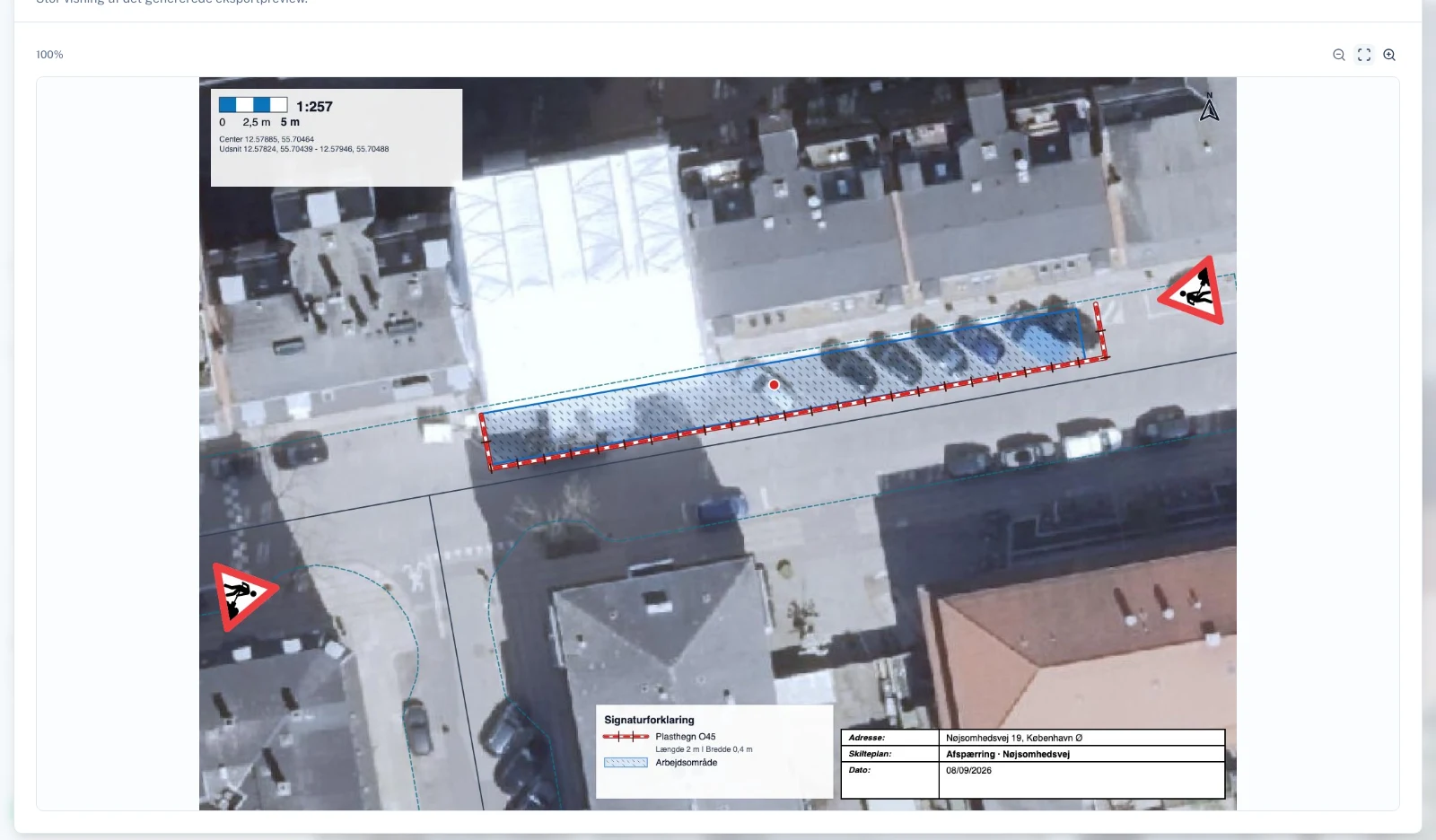
Gather application details and attachments.
Create the application case in the project and select its plan. RoadplanPro brings your saved details and selected attachments together so you can review the case in one place.
You can also start with an existing plan as a PDF. This lets you prepare the application even when the plan was drawn elsewhere.
Describe the work and review the AI suggestions.
Describe the job in your own words. AI can suggest values for relevant fields in the excavation permit application. Check the details and correct them before continuing.
Application assistance is an available feature. Plan Assistant, which will suggest the traffic management plan from a description, is a separate feature under development.
Review and submit in the municipal portal.
The RoadplanPro Chrome extension helps transfer details to the supported application portal. Sign in to the portal, check the fields and attachments, and submit the application yourself.
After submission, mark the case as submitted in RoadplanPro and add the municipal reference and receipt. The municipality processes the application and makes the decision.
Read about excavation permits at Copenhagen Municipality