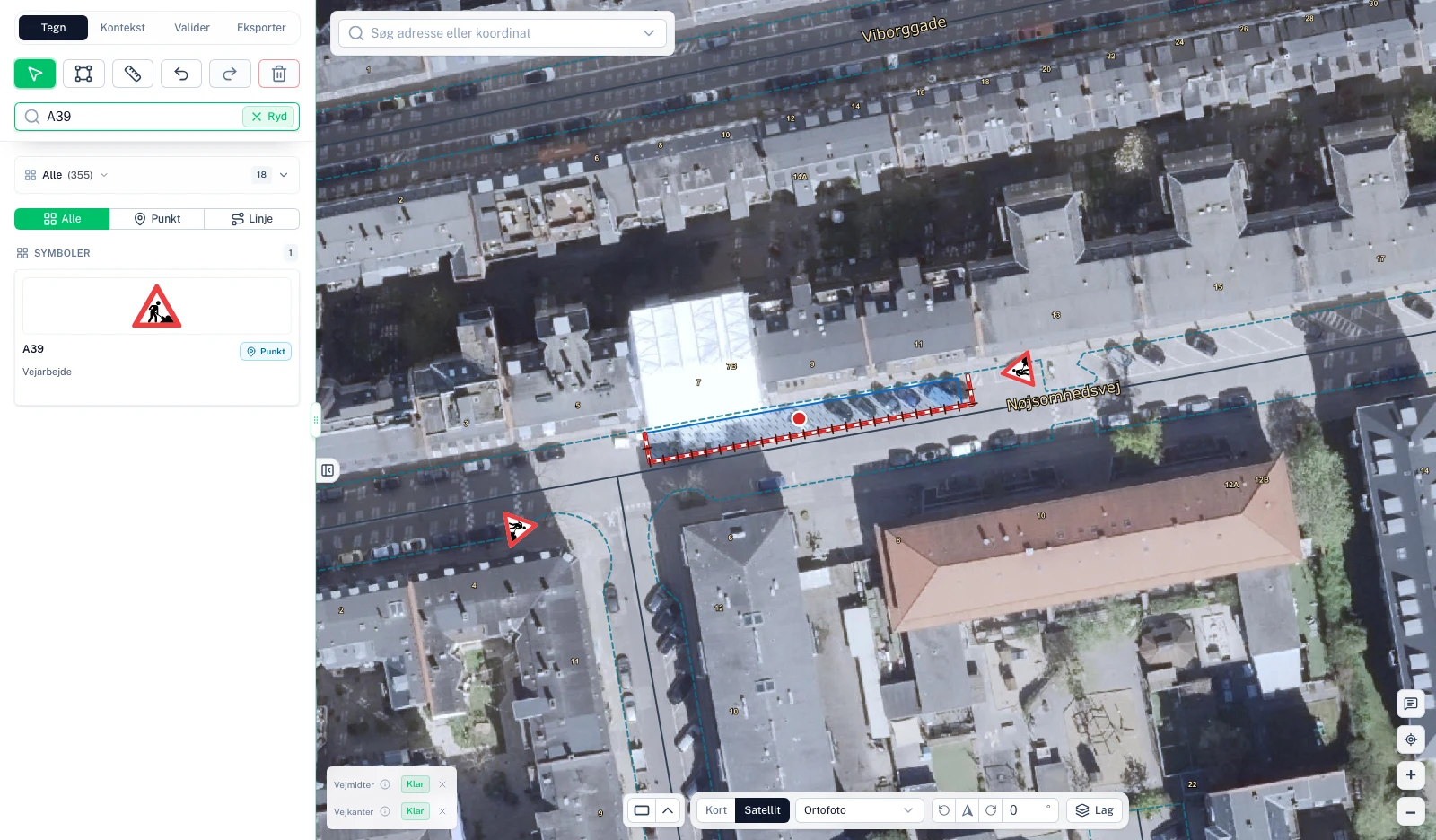
Draw the signage plan where the work happens.
Start with the address and choose a basemap. Draw the work area, place signs and supplementary plates, and adjust their rotation. Work with the actual positions on the road while keeping the plan readable for the person reviewing it.
For parking restrictions, draw a single segment with the C61 tool. Start, repeat and end signs stay connected to the segment, so you can adjust them together.
Review the plan and material list.
RoadplanPro displays errors and warnings to help you review the plan. The material list brings signs, supplementary plates and equipment together so you can see what the plan contains.
Choose mountings and bases for the signs, and review the result before exporting. You remain responsible for assessing the plan and the conditions on site.
Share the PDF and move the job forward.
Export the plan with its map, scale and legend. Keep plans and attachments in the project so the next person has the documents at hand.
You can draw and export plans for any municipality. Built-in application assistance depends on the supported municipality and application type. Excavation permits in Copenhagen have a dedicated workflow.